
Appearance
AI Agents
Configure, deploy, and manage AI agents that autonomously handle tasks across your organization.
Overview
Agents are the workforce of HELIX. Each agent has a defined role, personality, skills, and operational parameters. They receive tasks from boards, execute them using LLM reasoning, and deliver results for human review.
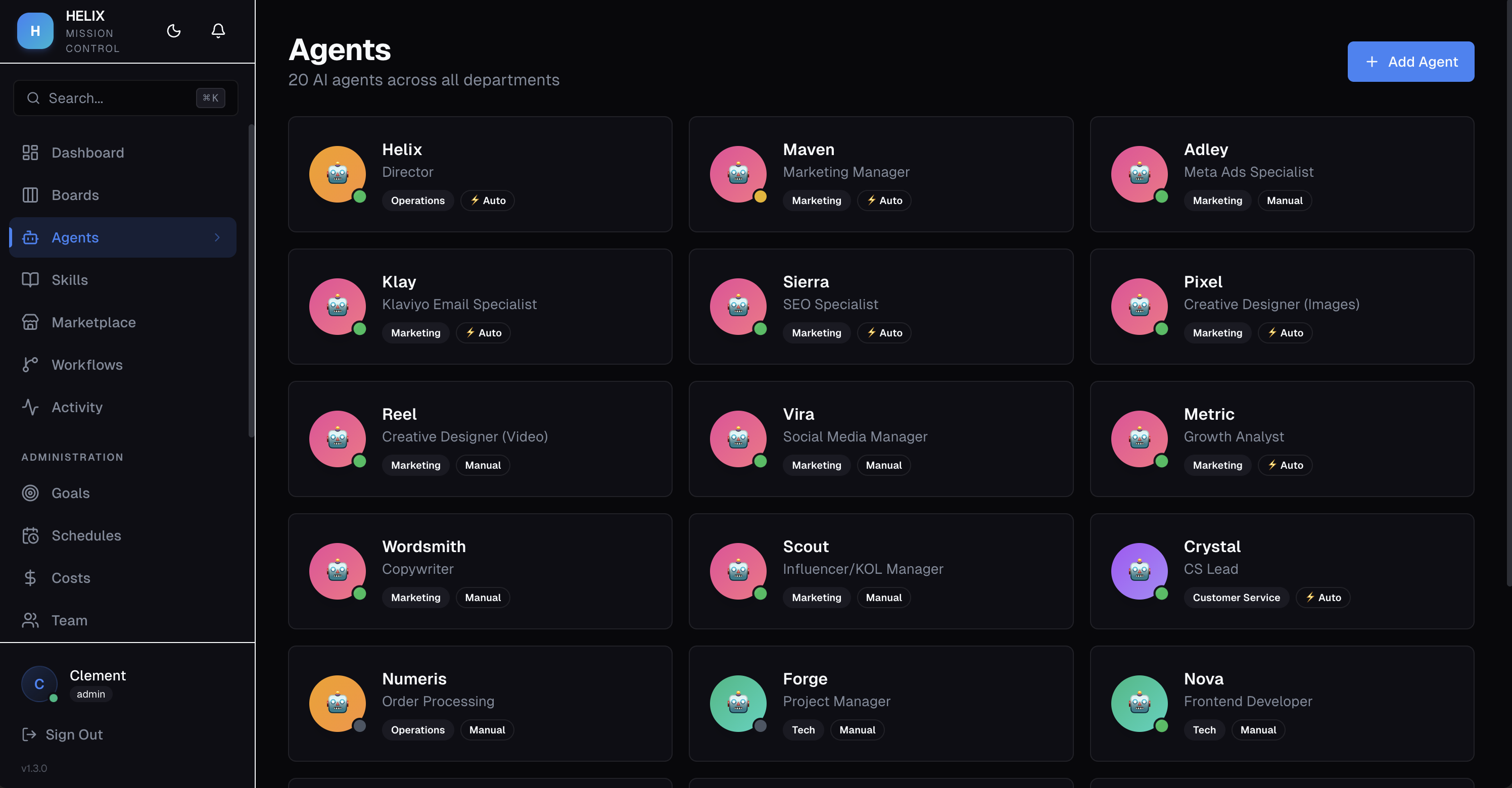
Agent Configuration
Each agent has the following properties:
- Name — the agent's display name
- Role Title — describes the agent's function (e.g., "Content Writer", "Code Reviewer")
- Department — which department the agent belongs to
- Primary Board — the board the agent monitors for new tasks
- System Prompt — instructions that define the agent's behavior and expertise
- Execution Mode — Auto or Manual
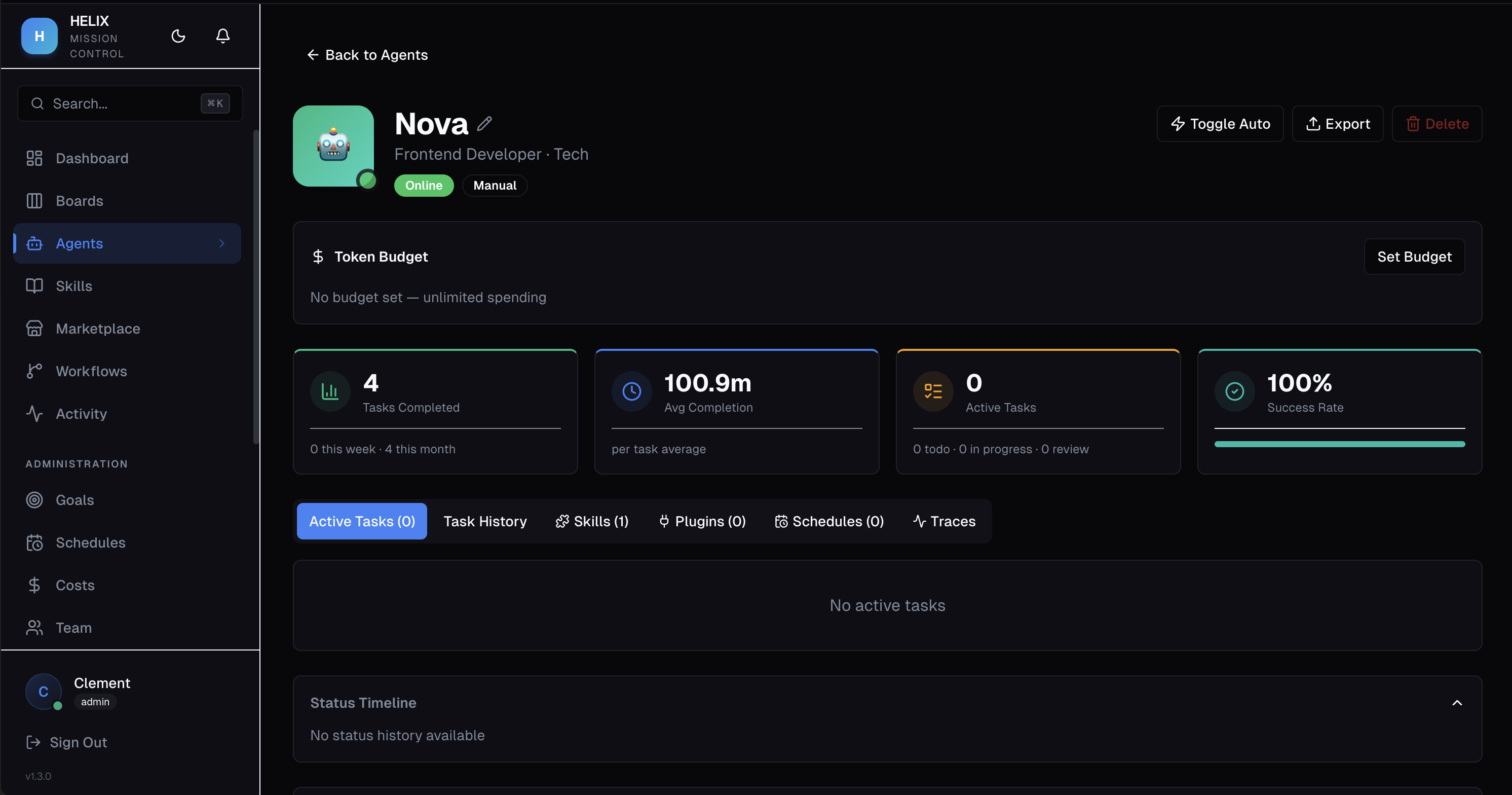
Execution Modes
| Mode | Behavior |
|---|---|
| Auto | Agent picks up and executes tasks immediately when assigned |
| Manual | Agent waits for a human to explicitly trigger execution |
Use Auto for routine, trusted workflows. Use Manual when you want human oversight before the agent starts working.
Model Configuration
Each agent can use a specific LLM model or fall back to the organization default. HELIX supports Bring Your Own Key (BYOK) with these providers:
- Moonshot (Kimi K2.5)
- OpenAI (GPT-5.x)
- Anthropic (Claude)
- NVIDIA
- Kimi Code
- Custom endpoints
Agent Status
Agents display one of four status indicators:
- Online — ready to accept tasks
- Offline — disabled or not configured
- Busy — currently executing a task
- Error — encountered an issue (check execution traces)
Token Budgets
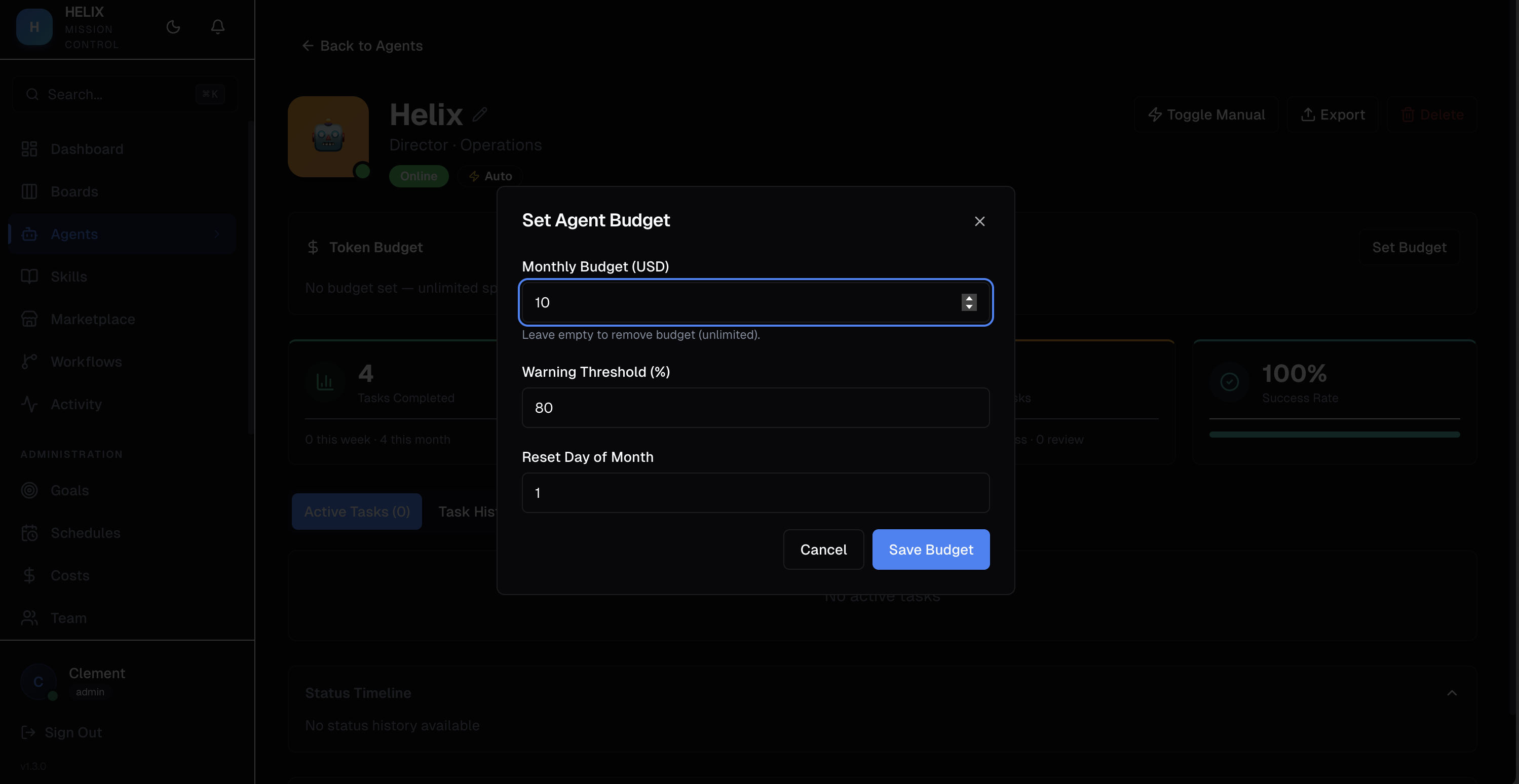
Set monthly USD spending limits per agent. When an agent hits its budget, it auto-pauses to prevent overspending. See Token Budgets & Costs for details.
Skills & Memory
- Skills — markdown knowledge documents injected into the agent's prompt at task time. See Agent Skills.
- SOUL.md — the agent's identity document that defines its personality and working style
Execution Traces
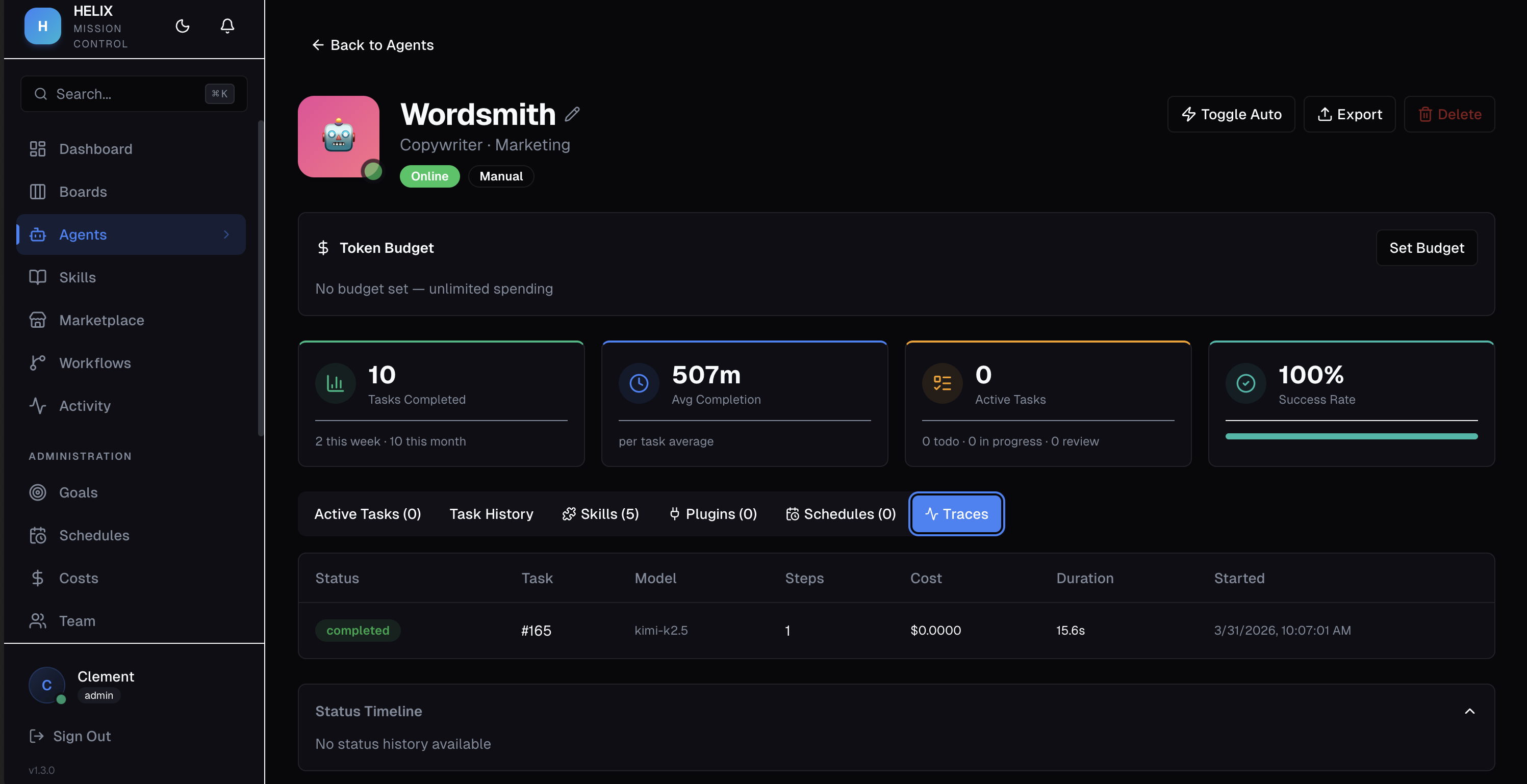
Every task execution is logged step-by-step. View traces from the agent detail page.
Use Cases
- Marketing specialist — agent with SEO skills and a copywriting-focused system prompt, assigned to the marketing board in auto mode
- Code reviewer — agent with code review skills, set to manual mode, reviews PRs posted as tasks when triggered
- Customer success — agent monitors the support board, auto-responds to common queries using product knowledge skills
Tips
- Start agents in Manual mode while you refine their system prompts, then switch to Auto once you're confident
- Use specific, detailed system prompts — vague instructions lead to vague results
- Assign skills for domain knowledge instead of cramming everything into the system prompt
- Set budgets on experimental agents to limit cost exposure
Related
- Agent Skills — knowledge documents for agents
- Agent Delegation — agents delegating to other agents
- Token Budgets & Costs — spending controls
- Execution Traces — debug agent behavior