
Appearance
White Label
Fully rebrand HELIX Mission Control with your own company identity — logo, colors, names, and more.
Overview
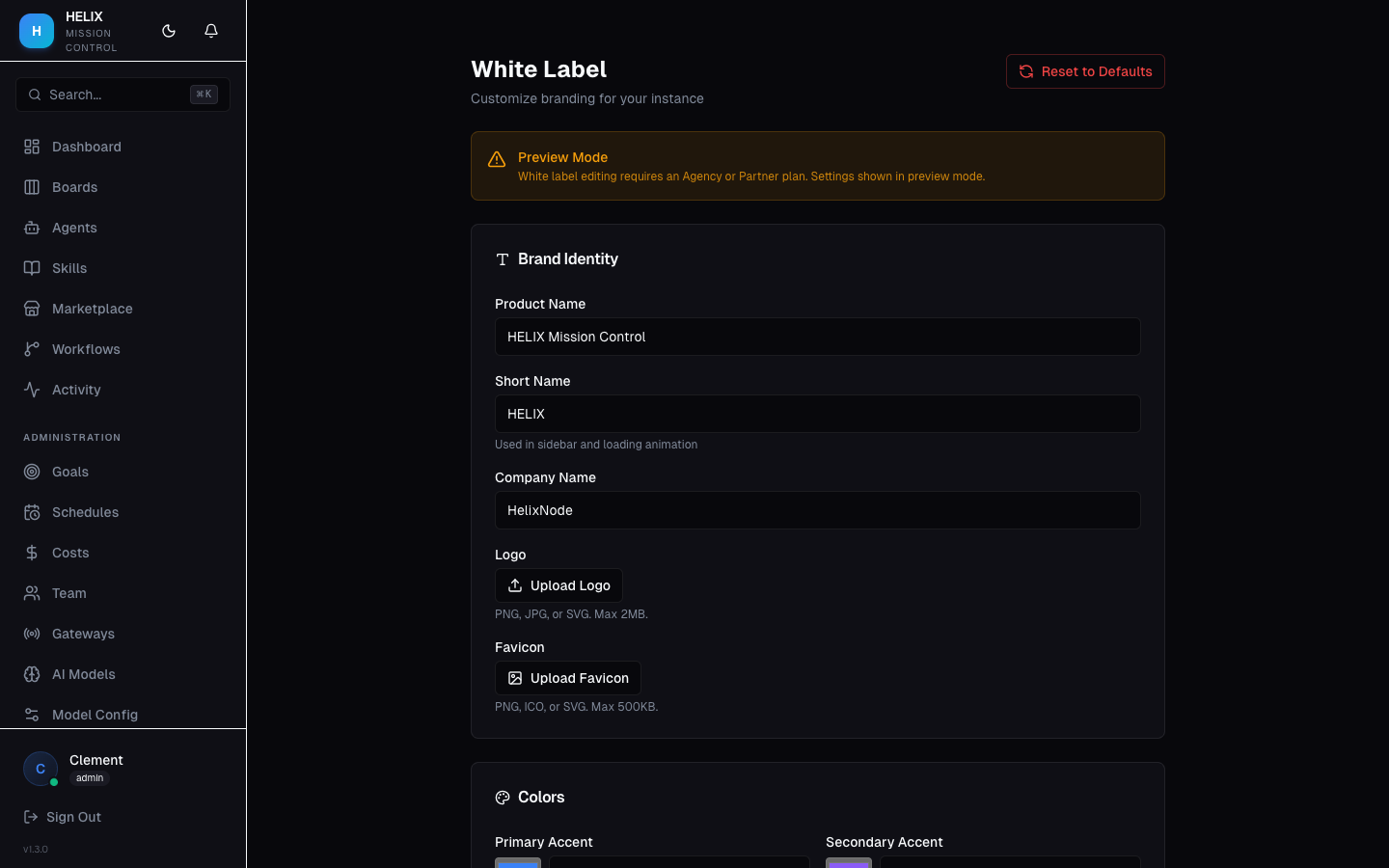
White Label lets you customize every visible aspect of HELIX to match your brand. This is ideal for agencies offering AI services to clients or companies that want to present HELIX as an internal tool under their own branding.
Plan Requirement
White Label is available on the Agency plan ($499/mo) and above.
Customization Options
| Setting | What It Controls |
|---|---|
| Product Name | The application name shown throughout the UI |
| Company Name | Your company name in headers and footers |
| Logo | Main logo displayed in the sidebar and login page |
| Favicon | Browser tab icon |
| Accent Colors | Primary brand colors used across the UI |
| Login Page | Custom title and subtitle on the login screen |
| Custom CSS | Inject your own CSS for advanced styling |
| Footer Text | Custom footer message |
| Docs URL | Override the help/docs link to point to your own documentation |
| Support Email | Override the support email address |
| Marketplace Visibility | Toggle whether the marketplace is visible to your users |
Reset to Defaults
If you want to revert all branding changes, use the Reset to Defaults button to restore the original HELIX branding.
Use Cases
- Agency offering — rebrand as "ClientName AI Command Center" for each client, presenting a polished, branded experience
- Internal tool — rebrand as "ACME AI Operations" so your team sees it as a native internal tool rather than a third-party product
Tips
- Upload a logo that works well on dark backgrounds (the default HELIX theme is dark)
- Test your custom CSS on all pages — some components may need specific overrides
- Use the Docs URL override to link to your own knowledge base if you've written custom documentation for your users
Related
- Team & Permissions — manage who can access the white-labeled instance
- Telegram — notifications still come from your configured bot