
Appearance
Token Budgets & Costs
Monitor and control AI spending with per-agent budgets, usage dashboards, and cost breakdowns.
Overview
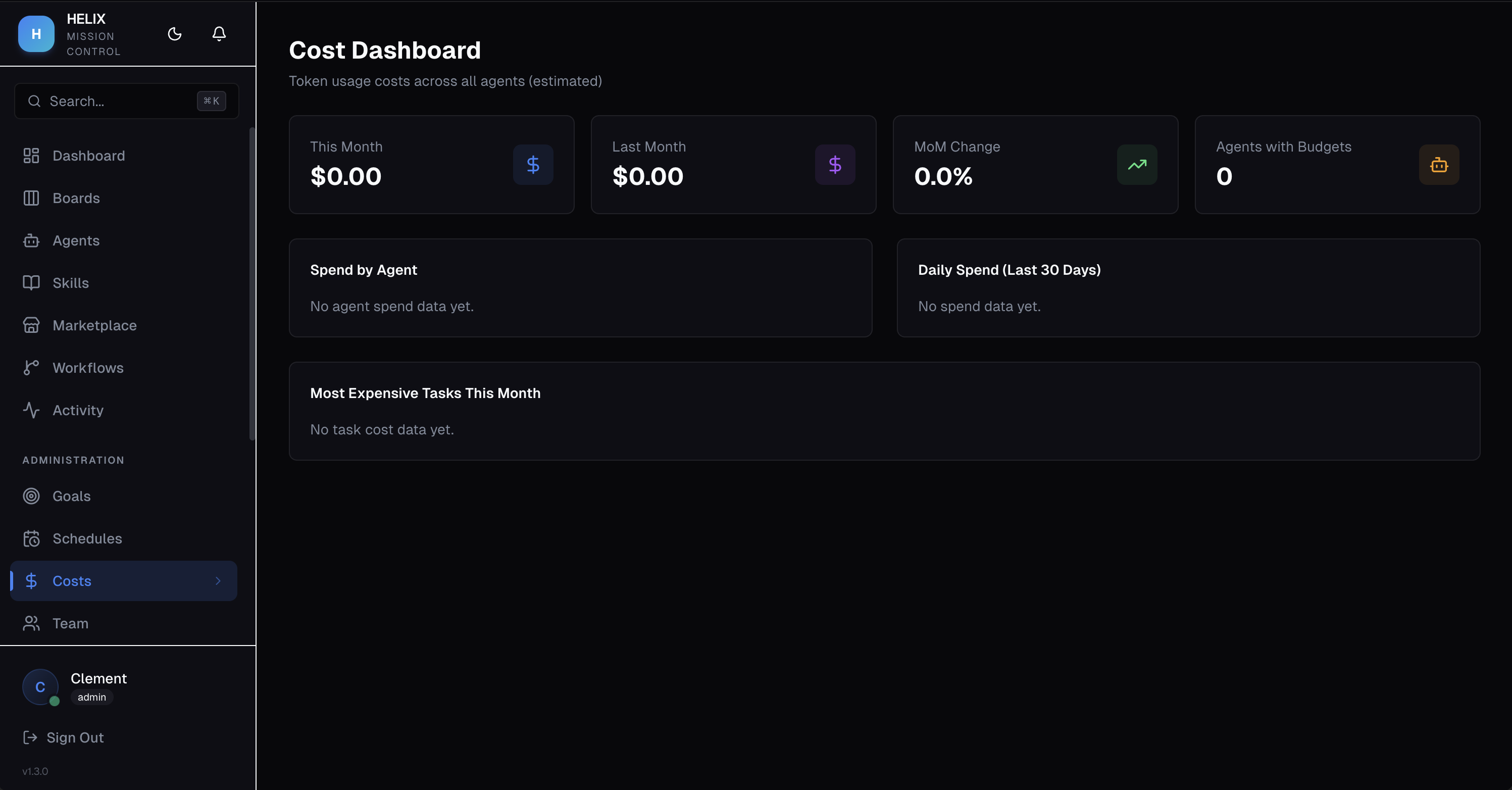
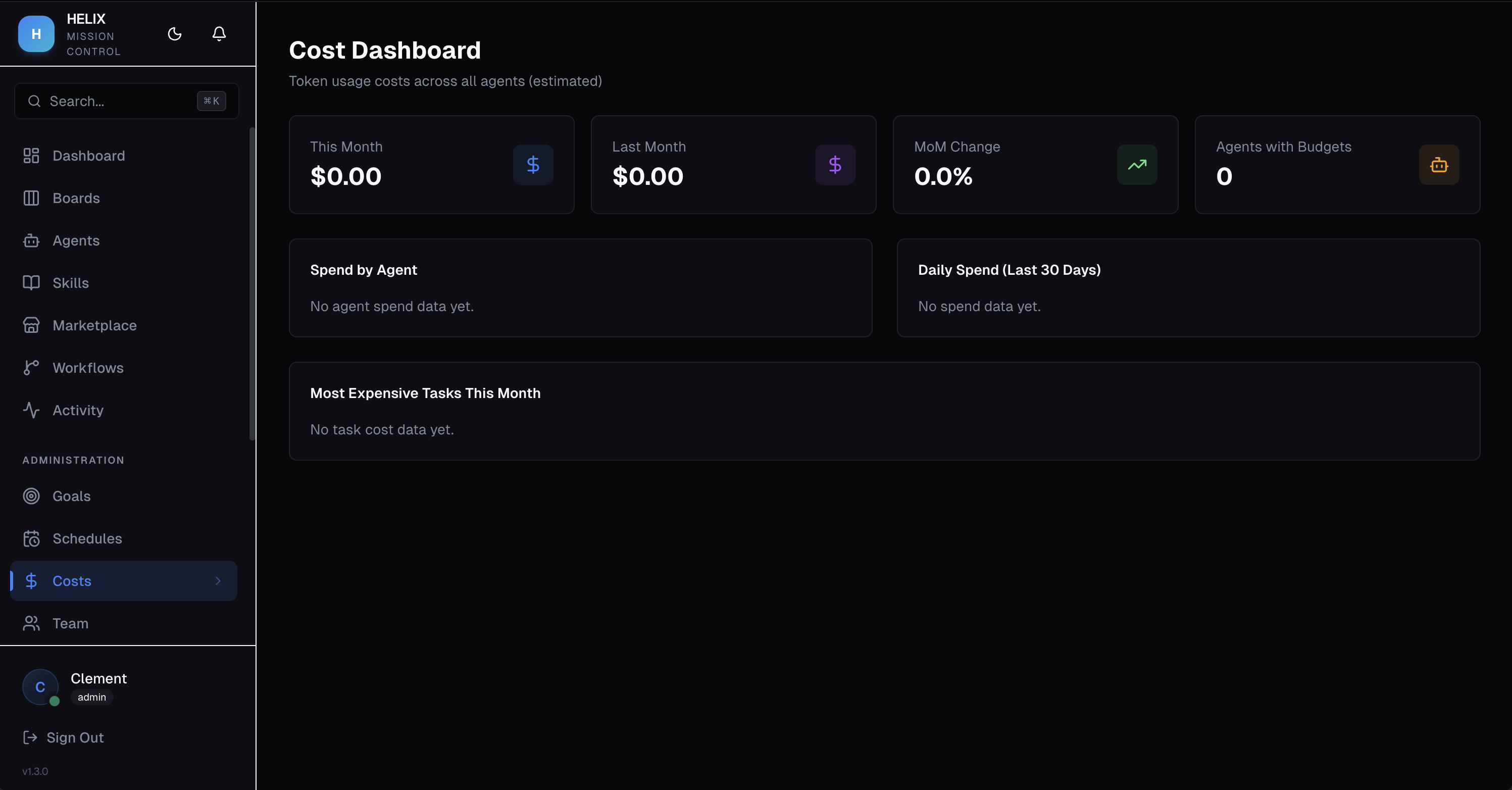
HELIX gives you full visibility into how much each agent costs and lets you set spending limits to prevent surprises. The cost dashboard shows spend by agent, daily trends, and the most expensive tasks.
Per-Agent Budgets
Set a monthly USD budget limit on any agent:
- Budget Limit — maximum monthly spend in USD
- Warning Threshold — triggers an alert at 80% (default) of the budget
- Auto-Pause — agent is automatically paused when it hits 100% of its budget
- Budget Reset — resets on a configurable day of the month
Cost Dashboard
The cost dashboard provides:
- Spend by Agent — bar chart showing which agents consume the most tokens
- Daily Trend — line chart of daily spending over time
- Top Tasks by Cost — ranked list of the most expensive task executions
Admin Override
If a paused agent needs to complete an urgent task, admins can temporarily override the budget pause to allow continued execution.
Use Cases
- Cost control — set $50/month budgets on experimental agents to limit exposure while testing new configurations
- Spend visibility — identify which agents consume the most tokens and optimize their prompts or switch to more cost-effective models
- Budget planning — use daily trend data to forecast monthly AI costs and plan resource allocation
Tips
- Start with conservative budgets and increase as you understand each agent's typical consumption
- Check the top tasks by cost regularly — a single runaway task can consume a significant portion of budget
- Use execution traces to understand why specific tasks are expensive and optimize prompts accordingly
Related
- AI Agents — set budgets on agent configuration
- Execution Traces — per-step cost breakdown
- Dashboard — high-level spend overview