
Appearance
Team & Permissions
Manage team members and control who can access what across your HELIX instance.
Overview
HELIX uses a role-based access model with board-level permissions. You can invite team members, assign roles, and configure granular access to specific boards — ensuring everyone sees only what they need.
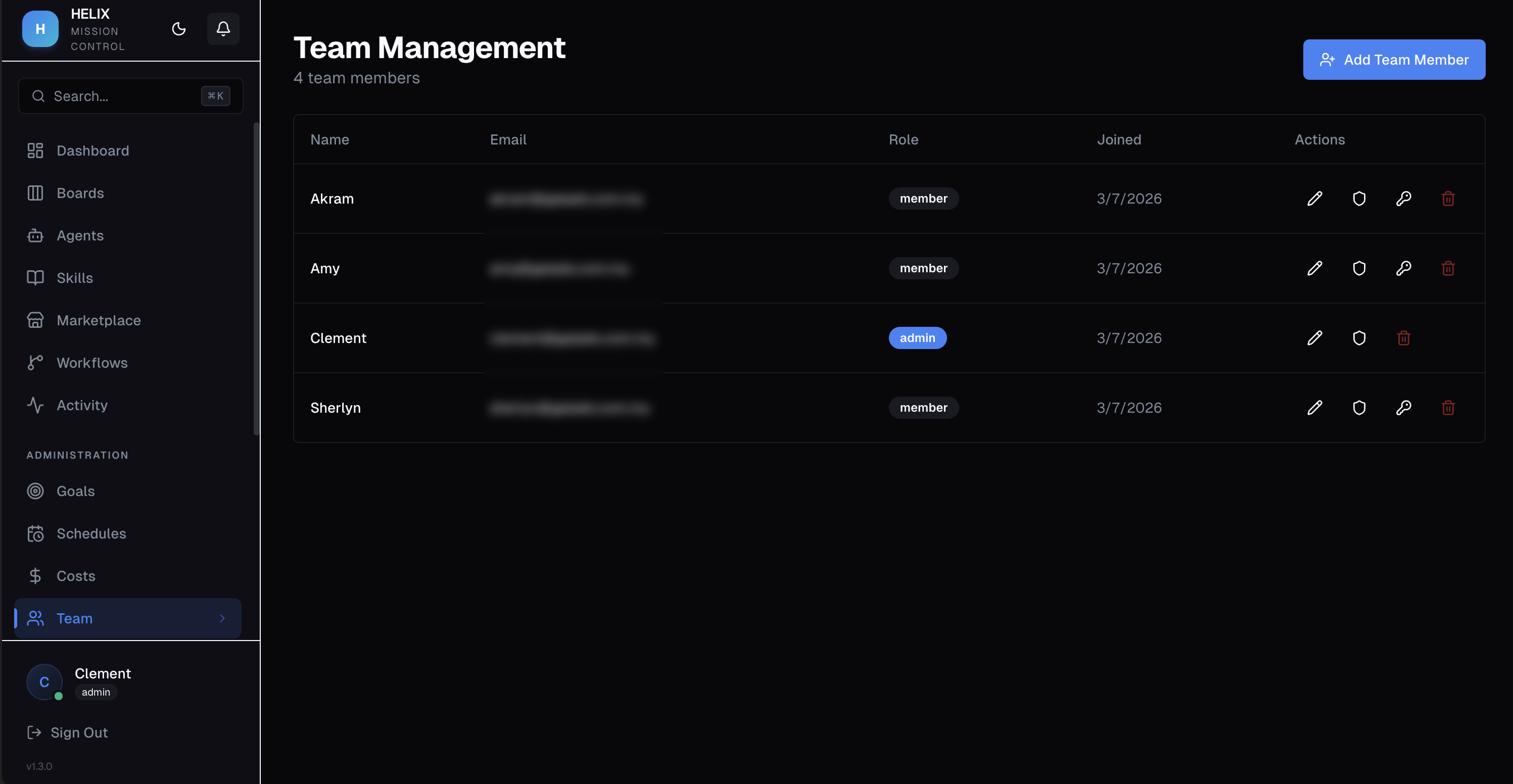
Roles
| Role | Access Level |
|---|---|
| Admin | Full access to everything — settings, billing, all boards, all agents |
| Member | Restricted access — only boards explicitly granted |
Board Permissions
Members can be granted one of four permission levels per board:
| Permission | What They Can Do |
|---|---|
| No Access | Board is invisible to the member |
| View | Can see tasks and board content, but cannot modify |
| Create | Can create and comment on tasks |
| Manage | Full board control — create, edit, delete, approve tasks |
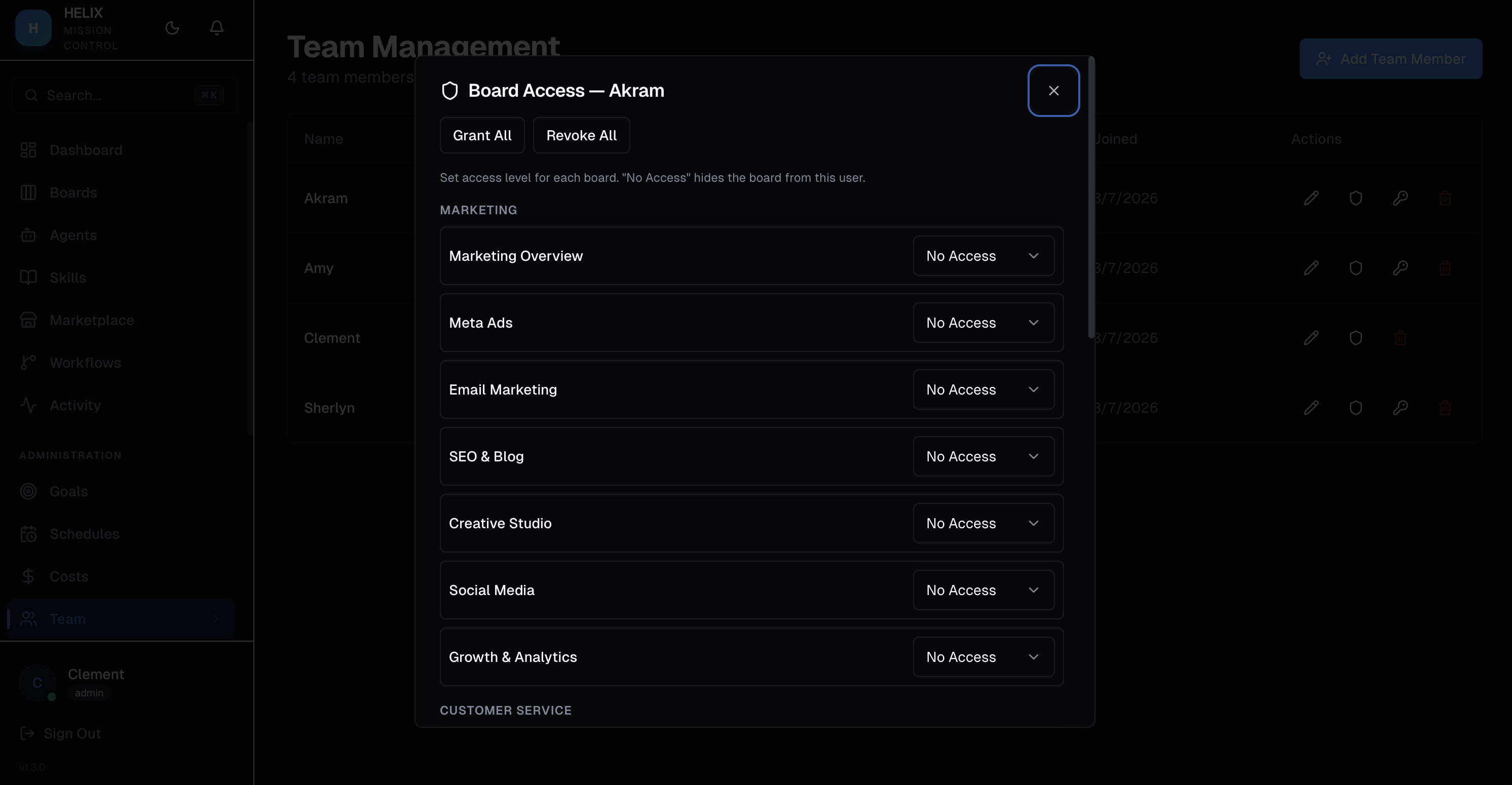
Default-Closed Model
HELIX uses a default-closed permission model. New members have no access to any board until an admin explicitly grants permissions. This ensures sensitive boards are never accidentally exposed.
Invite Flow
Admins can invite new team members by email. The invited user receives a link to set up their password and join the organization.
Use Cases
- Department isolation — marketing team members only see marketing boards, engineering only sees engineering boards
- Read-only stakeholders — give executives View access to all boards so they can monitor progress without modifying tasks
- Contractor access — add a temporary member with Create access to one specific board for the duration of a project
Tips
- Use the principle of least privilege — grant the minimum access level each member needs
- Review permissions when team members change roles or leave the organization
- Admins always have full access and cannot be restricted — assign the Admin role carefully
Related
- Boards & Tasks — the boards that permissions control
- White Label — brand the instance your team sees
- Dashboard — what members see depends on their permissions